A screenshot and the thought behind it.
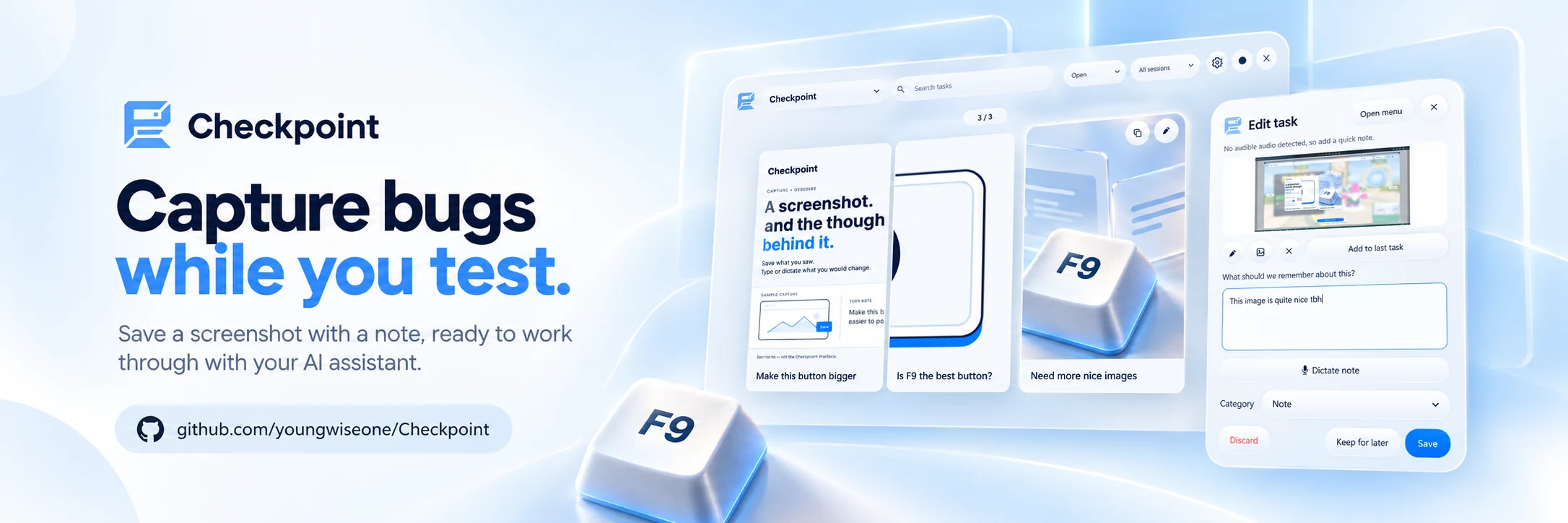
Promotional artwork for Checkpoint, combining the capture-and-note message with views of the app.
View full-size image
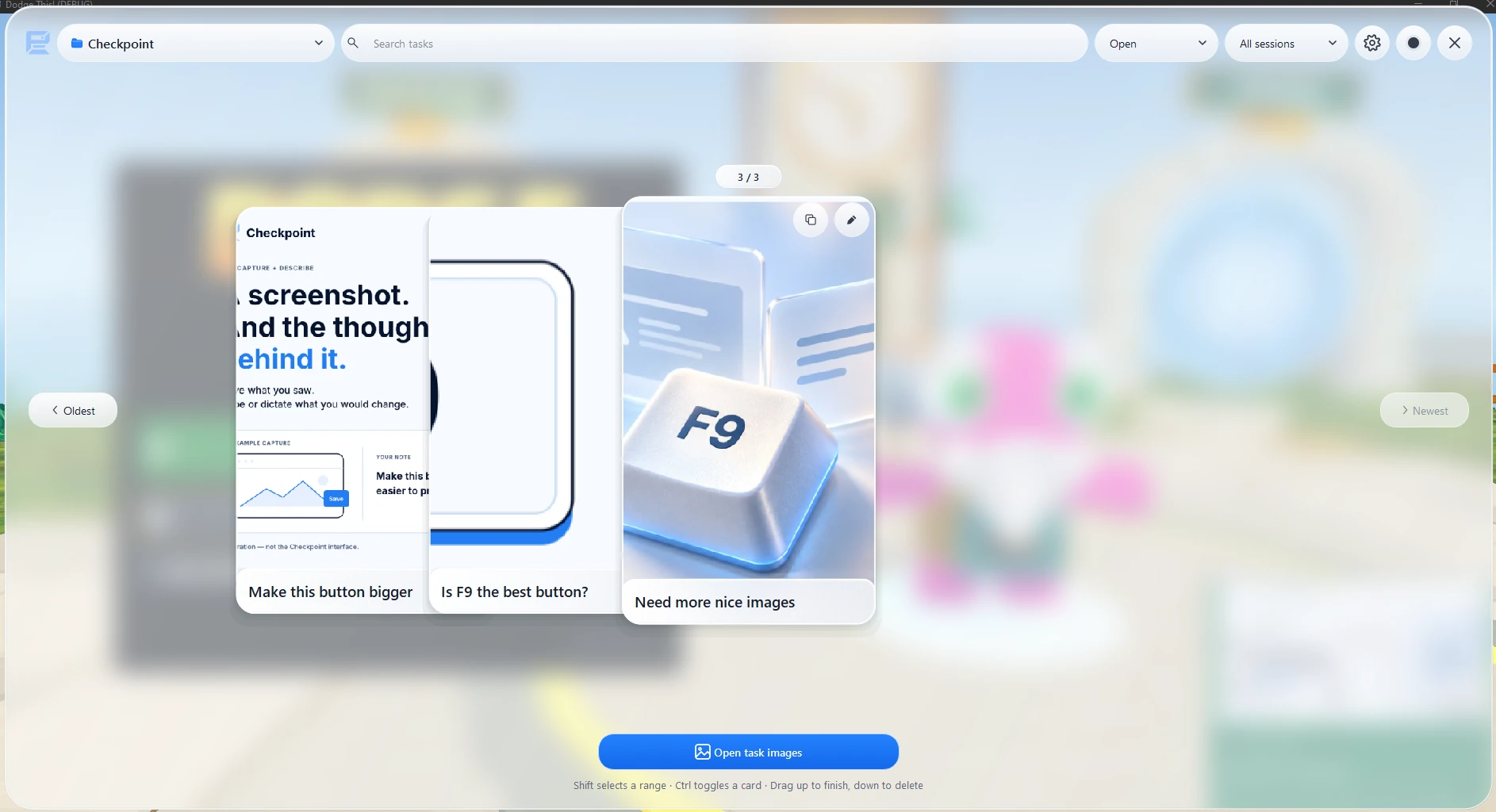
Actual development screenshot: browse task cards, search your notes, and filter by project or session.
View full-size screenshot
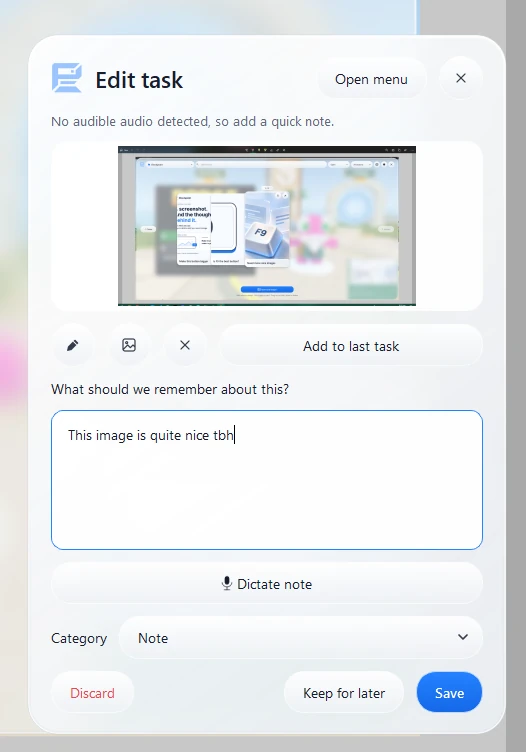
Actual development screenshot: add or edit a note alongside the capture, with dictation and category controls.
View full-size screenshot
Capture without losing the thought
Checkpoint is an open-source Windows tool for recording bugs, feature ideas and observations while testing games or other software. Press F9 to capture a screenshot, then add a typed or dictated note so the image keeps the context behind it.
Review what needs attention
Keep captures organised by project and session, search through task cards, and refine notes in the editor. Select several tasks together, drag up to mark them done or down to delete, and undo a change if needed. Crop screenshots to the detail that matters.
Local first, ready for the next step
The core capture and review workflow runs locally without an AI API token or a server. Copy task PNGs containing screenshots and notes straight into chat, or use the optional read-only connection for Codex or Claude Desktop to inspect captured context. Dictation needs a one-time model download and microphone setup; connected assistants have their own requirements.
Still in development
The interface and capture workflow are actively evolving. The images show the October 2026 development build and its promotional artwork. Current setup instructions and source code are available on GitHub.